E-File Magic was founded by a Certified Public Accountant and a Software Engineer to provide an easy, innovative, and straightforward corporate e-file service. The platform supports a broad range of IRS forms including 1097-BTC, 1098, 1099 series, 5498, W-2G, and W-9.
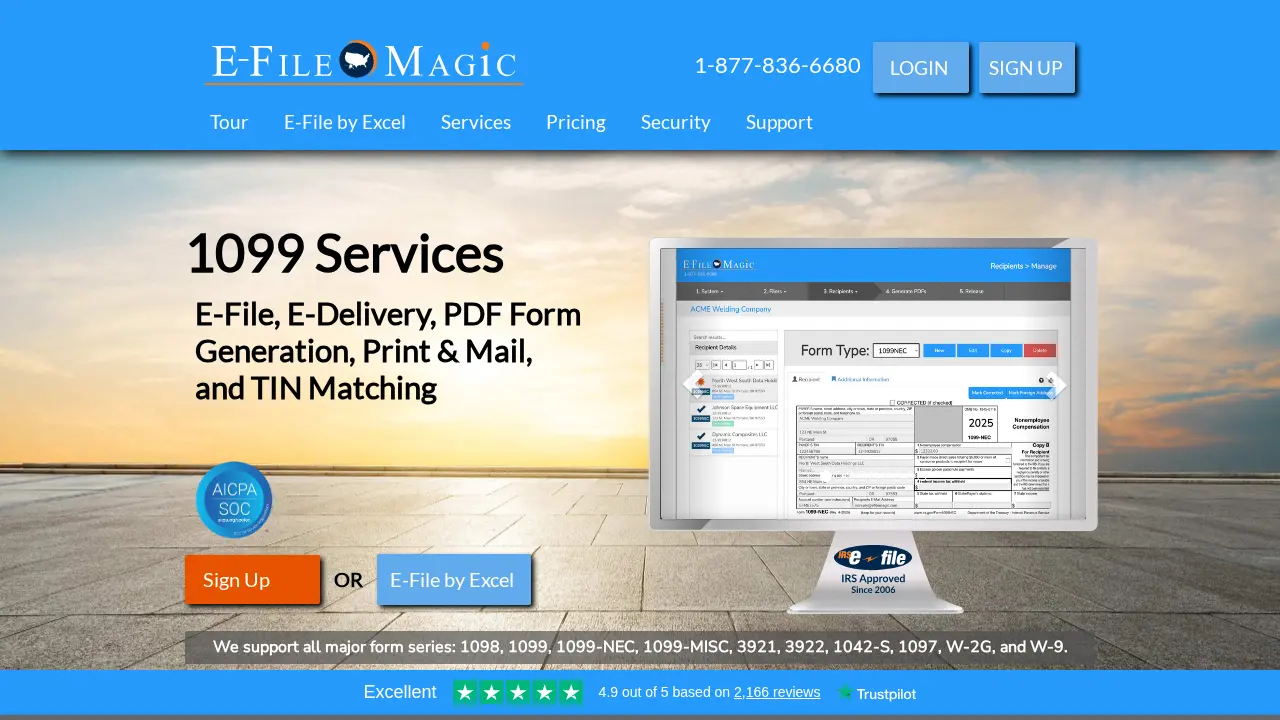
It offers standard E-Filing (Combined Federal/State) and E-Delivery, with optional Print & Mail, TIN Matching, and bulk services. The software is designed to be fully CPA-friendly, allowing unlimited filers and recipients, and integrates with QuickBooks, Xero, and Excel for streamlined data import.
Unlimited filers and recipients
Broad form support including 1099-NEC
Import from QuickBooks, Xero, and Excel
SOC 2 compliance and AES-256 encryption
Optional Print & Mail with SOC 2 audited partners
CPA-friendly platform designed by a CPA
Services
E-Filing (Federal & State)
Combined Federal/State e-filing of IRS tax forms including 1099, 1098, 1099-NEC, 5498, W-2G, and more.
Combined Federal/State filingUnlimited filers and recipientsBroad form supportPeriodic transmission throughout the week
E-Delivery
Secure electronic delivery of tax forms to recipients via encrypted email with download links.
Encrypted PDF deliverySecure recipient linksBatch processing (morning and afternoon PST)
PDF Form Generation
Generate PDF copies of tax forms, optionally with password protection for secure sharing.
PDF previewPassword-protected PDFsQR code and link for recipient access
Print & Mail
Optional service to print and mail physical copies of tax forms through SOC 2 audited partner facilities.
SOC 2 audited facilitiesSecure handling of sensitive dataOptional service add-on
TIN Matching
Verify recipient Name and Tax ID against IRS records to avoid filing penalties from incorrect data.
IRS TIN verificationAvoids costly filing penaltiesOptional add-on service
Data Import (QuickBooks, Xero, Excel)
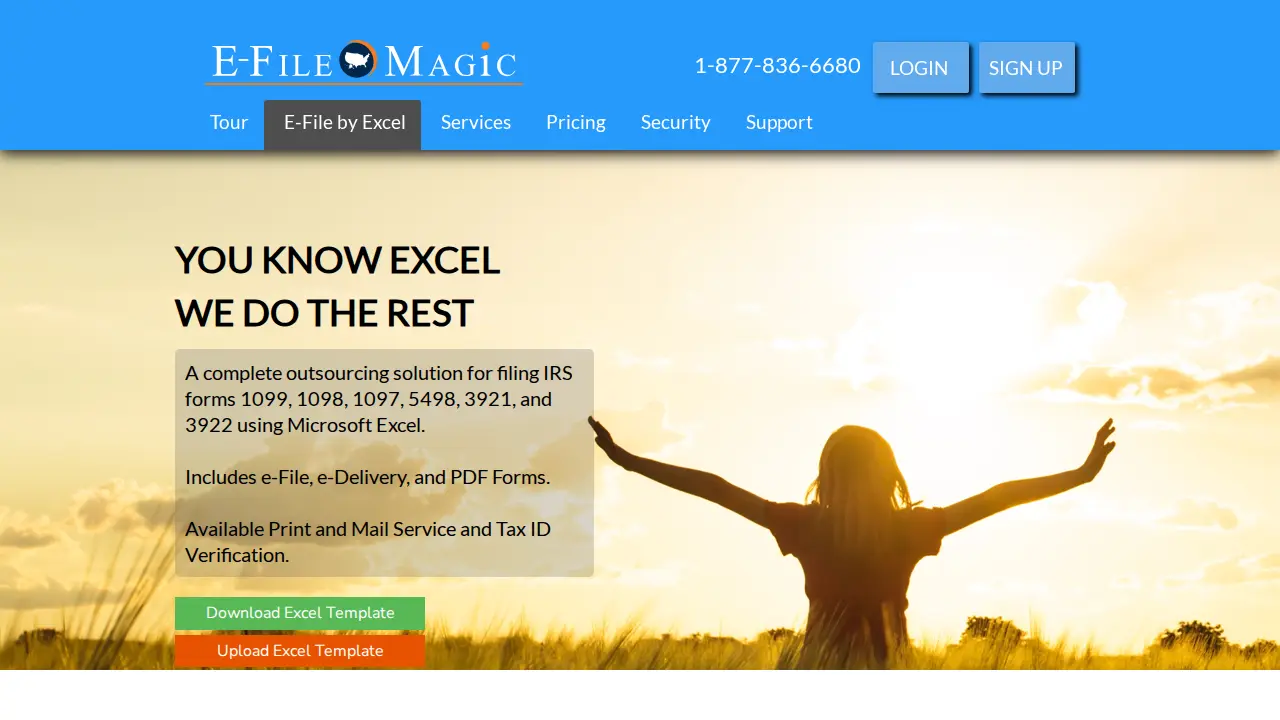
Import recipient and filer data from QuickBooks Desktop, QuickBooks Online, Xero, or Microsoft Excel template.
QuickBooks Desktop import toolQuickBooks Online direct integrationXero direct integrationMicrosoft Excel bulk import template
Credentials & Certifications
SOC 2 Compliance
AES-256 Encryption
PCI Level 1 Compliance (via AWS)
HIPAA Compliance (via AWS)
ISO 27001 Compliance (via AWS)
Reviews
Rating
4.8
★★★★★
Reviews
165
"Fantastic service for small business owners at a reasonable price."
Frequently Asked Questions
What kind of security do you use? +
We approach security with multiple layers, including transport encryption and robust data-protection measures like AES-256 encryption at rest.
What encryption technologies do you implement? +
We use AES-256 encryption with unique 256-bit keys per account, salted precomputed hashes for Tax ID lookups, a high-cost Key Derivation Function for passwords, and HTTPS for all sessions.
How do you keep printed and mailed forms safe? +
Our Print & Mail partner facilities have undergone SOC 2 audits and maintain best practices suitable for handling sensitive data.
How many filers can I have? +
You can have an unlimited number of filers.
How many recipients can I have? +
You can have an unlimited number of recipients.
Can I import data from Microsoft Excel? +
Yes. Download our Excel Template, enter your data, then log in and navigate to System → Import Data to drag and drop the file.
Can I import data from QuickBooks? +
Yes. We have a Windows-only QuickBooks Desktop import tool and direct QuickBooks Online integration that automatically creates filers and recipients from imported data.
What is Multi-Factor Authentication and how does it keep my account safe? +
MFA requires two or more independent verification methods. After enabling MFA, you need a time-based rotating code (e.g., from Google Authenticator) in addition to your password. The code changes every 30 seconds, preventing unauthorized access even if credentials are stolen.
 4.8
4.8